Video Guide:
Text / Image Guide:
This is going to be a simple text / picture guide on how to setup and install GTNH on Prism using Java 25. The example version is GTNH 2.8.4, but will work with anything newer as well. If you have any questions please ask on our discord.
Step 1:
First off download and either Install or extract the portable edition wherever you like:
https://prismlauncher.org/download/
The open up Prism and follow the basic instructions including adding your Microsoft Account (The one with Minecraft Account on it) and then click Finished.
Step 2:
Download the Prism ZIPs Java 17-25 version of GTNH you need or want to play via the GTNH Downloads Page:
https://www.gtnewhorizons.com/downloads/
Do not download, Java 8 Version, Vanilla Launcher, Technic, CurseForge, etc version. Only the Prism ZIPs Java 17-25 Client Version.
Step 3:
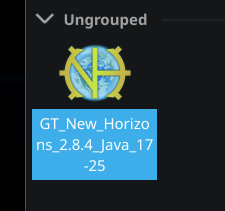
Now we are going to extract the zip file we downloaded. The Easiest way is to drag the zip file onto Prism open window and follow the instructions. You can also click Add Instance and go to Import and click browse and add the zip you just had downloaded in Step 2.
Step 4:
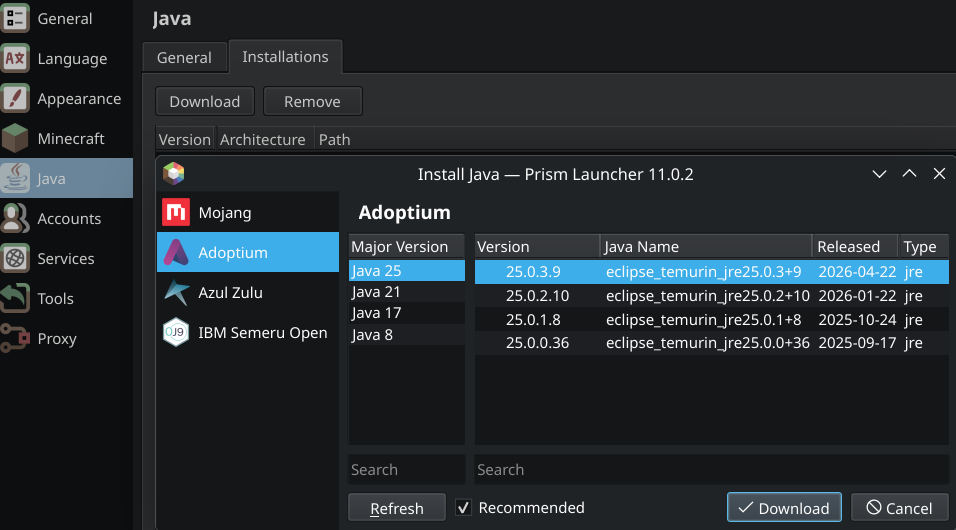
Now that you have the Modpack installed we are going to download and install Java 25. Go to Settings > Java > Installations (Tab at the top) > Download > Pick Adoptium Version & then Java 25 (whatever newest version at the top is).
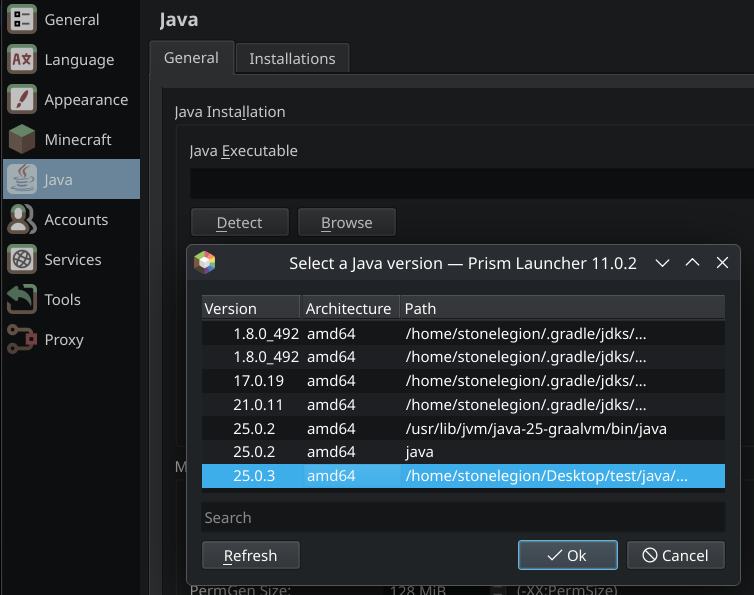
Now go back to Settings > Java > General Tab and for Java Installation click on Detect and pick the Latest Java 25 Version from the list. Keep in mind it does not show the entire version numbering like above, so it might say only 25.0.3, but overall you should be fine. Of course click Okay and one last setting and we should be good to go.
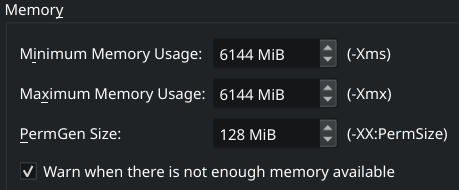
Change your Memory Settings! Technically on Multiplayer early game especially you might get away with 4096 MiB of memory. The personal Sweet spot I recommend is 6144 MiB, but you can also go 8192 MiB, but don’t go any further then that as it’s a waste of resources. Change both -Xms & -Xmx to be the same.
Step 5:
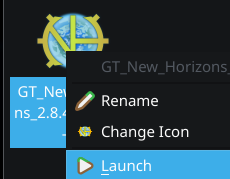
That is it! You can now launch the game and you should be able to run GTNH just fine! Keep in mind depending on your PC Specs it could take as short as 30 seconds all the way to a 5 minutes to load the pack. But normally with Java 25 it’s usually under 2 Minutes.
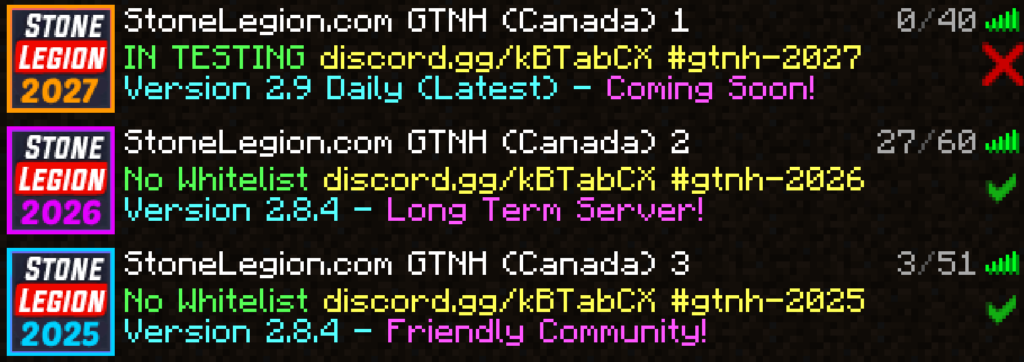
Please don’t forget to check out our Servers! Click Multiplayer and scroll down to our server list:
I hope you found this guide useful and share it with others who might need help installing GTNH on Prism Launcher. Have fun!